PowerPTC gives teachers the ability to manage their own parent-teacher conference schedule. PowerPTC no longer needs teachers to activate accounts. To access PowerPTC, follow the instructions below
- Log into the PowerSchool Teacher Portal.
- Click the Pop put icon

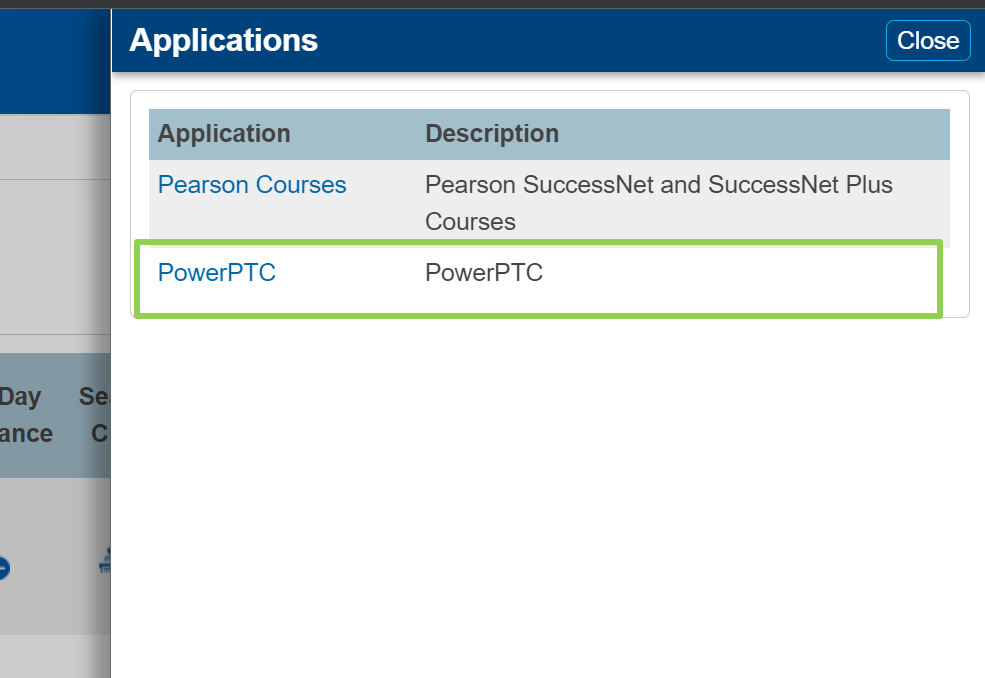
- Click PowerPTC
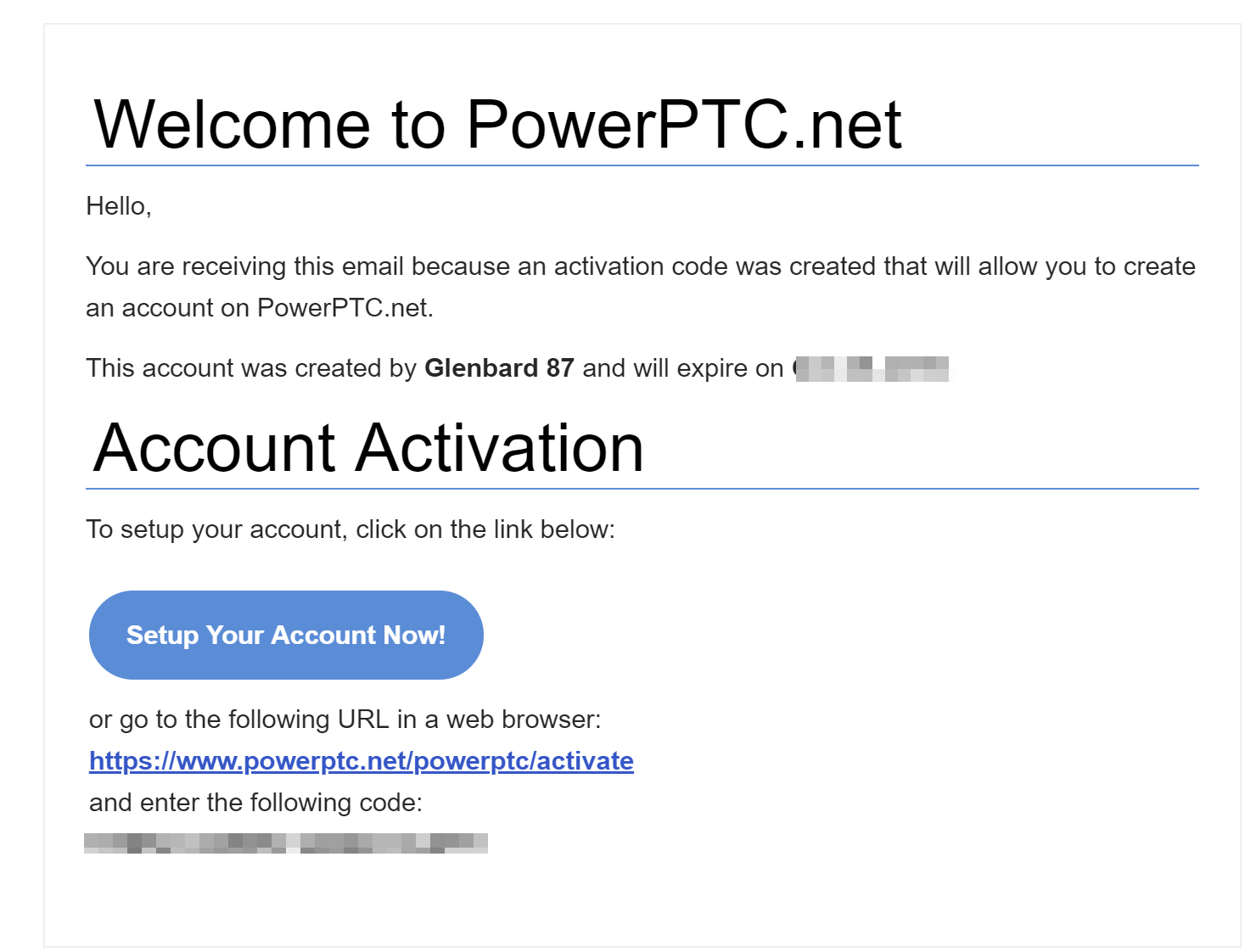
PowerPTC gives teachers the ability to manage their own parent-teacher conference schedule. In order to do this, each year teachers will receive an email containing their registration code. Below is a sample of the email.
How to create a teacher account
- Click the Setup Your Account Now
- If the email is missing, please look in the teacher portal for the link and the activation code.
- Enter the activation code
- If the link was used, the code will be automatically filled in
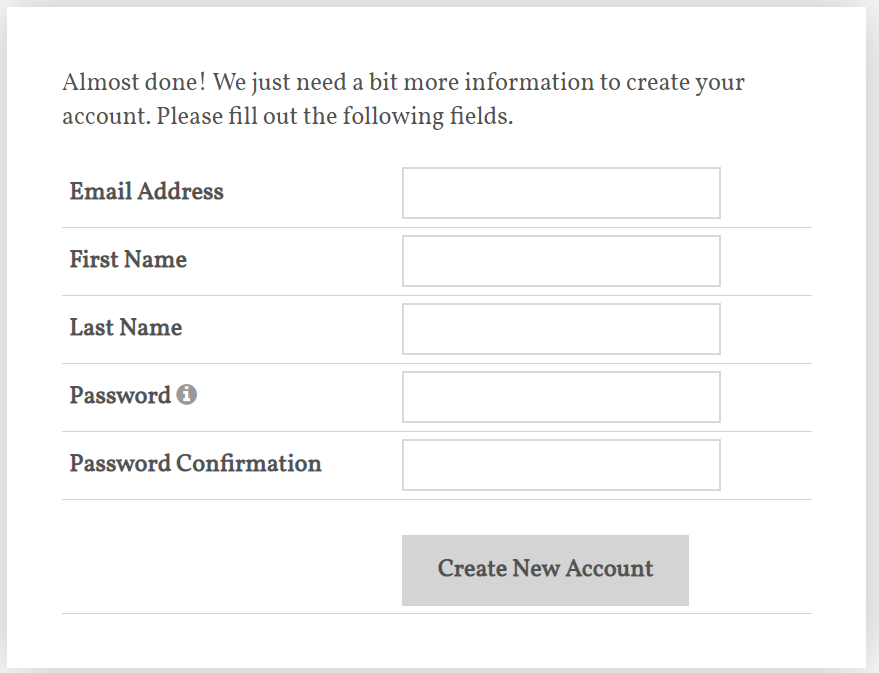
- Click Create New Account
- Fill out the Account information
- A verification email will be sent to the email provided. Click Verify My Account Now
- The account must be verified before it can be used.