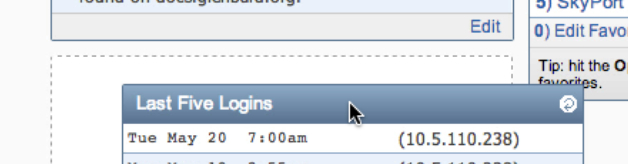
Move your cursor over the heading of a widget. Your cursor will change into a four direction arrow.
Left click and hold down the left mouse button.
Move your cursor around the screen. The widget will follow your cursor.
As you drag it to different spots on the homepage, a dotted line with highlight where the widget’s new location will be based on where your cursor is at the moment.
When you find a good spot, let go of the mouse button and the widget will move into the dotted rectangle.