- Click on Student Reports.
- Click on Student Account Statement.
- In the 2nd drop-down under Student Group, click Homeroom
- Then click on the school.
- To only print statements for outstanding students, change the Due filter to > 0.
- In the Fee Years drop-down, choose the current year in order to exclude students who still owe from prior years.
- Click the Preview button to get a PDF or the Print button to print immediately.
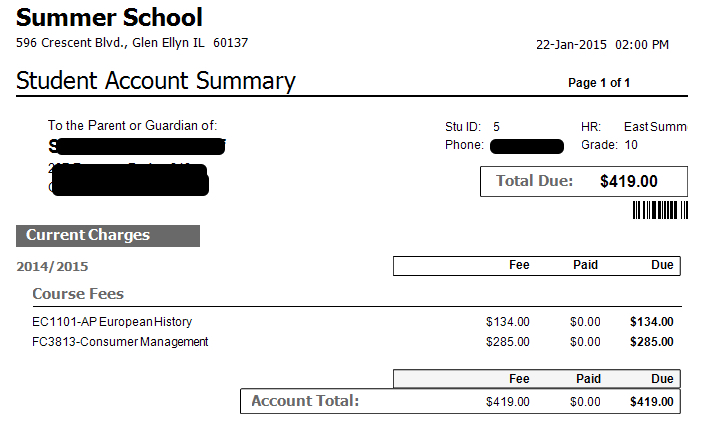
- Print Account Statements in Mass
- Looking Up Students
- Students with Other, Less Expensive, Fines
- Students with Other, More Expensive, Fines
- Students without Other Fines
- I Can’t Find a Student
- How Many Machines Can We Run?
- The Spare Units State They Can’t Find a Server
- There are iPad charges on my statement. How can I get this removed since my student is bringing his/her own device?
- What are my payment options?
- Can I make a partial payment?
- There is a Driver’s Ed fee an my account. How can this be removed since my student will take Driver’s Ed through an external company?
