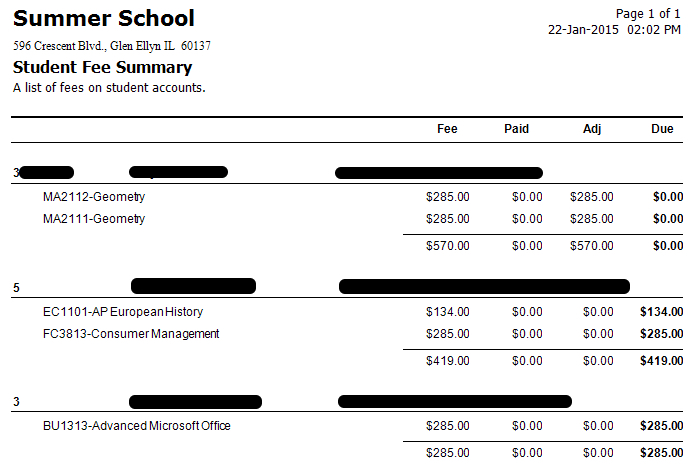
Print a List of Students with Fee Detail (All Fees or One Fee)
- Click on Student Reports.
- Click on Student Fee Assessments.
- In the 2nd drop-down under Student Group, click Homeroom
- Then click on the school.
- To only print students with balances owed, change the Due filter to > 0.
- Change the Fee Years drop-down to the current year to exclude students that still owe from prior years.
- To only see one fee, choose One Fee from the Fees to Include drop-down. Then select a Fee.
- Click the Preview button to get a PDF or the Print button to print immediately.