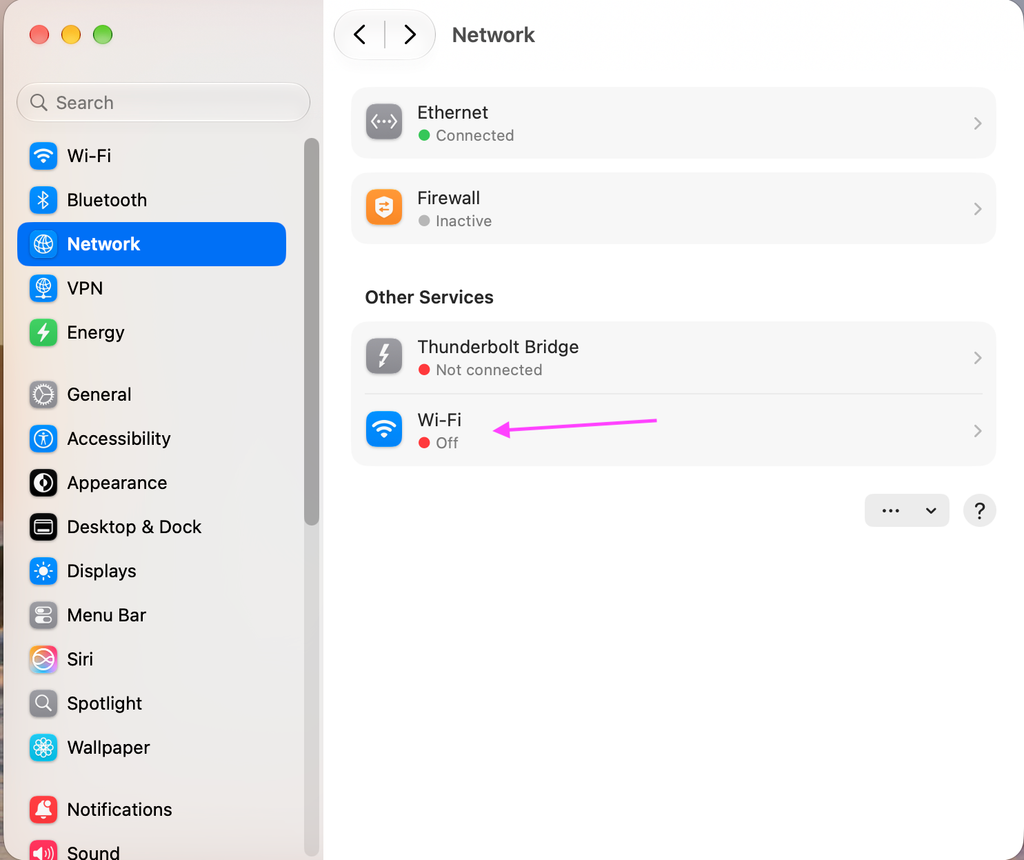
Apple AirPlay is enabled on every classroom iMac. It works without any interaction.
If you are experiencing issues, there are some quick areas to check.
AirPlay works over our wired network; having WiFi on can disrupt this.
Verify WiFi is disabled:
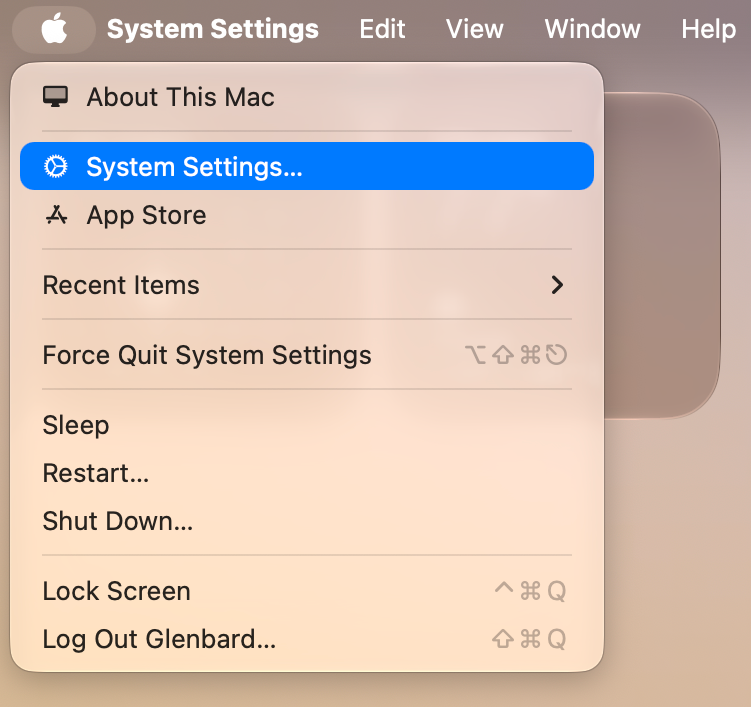
Go to System Settings by clicking the Apple in the upper-left corner
Click Network and observe if WiFi is enabled.
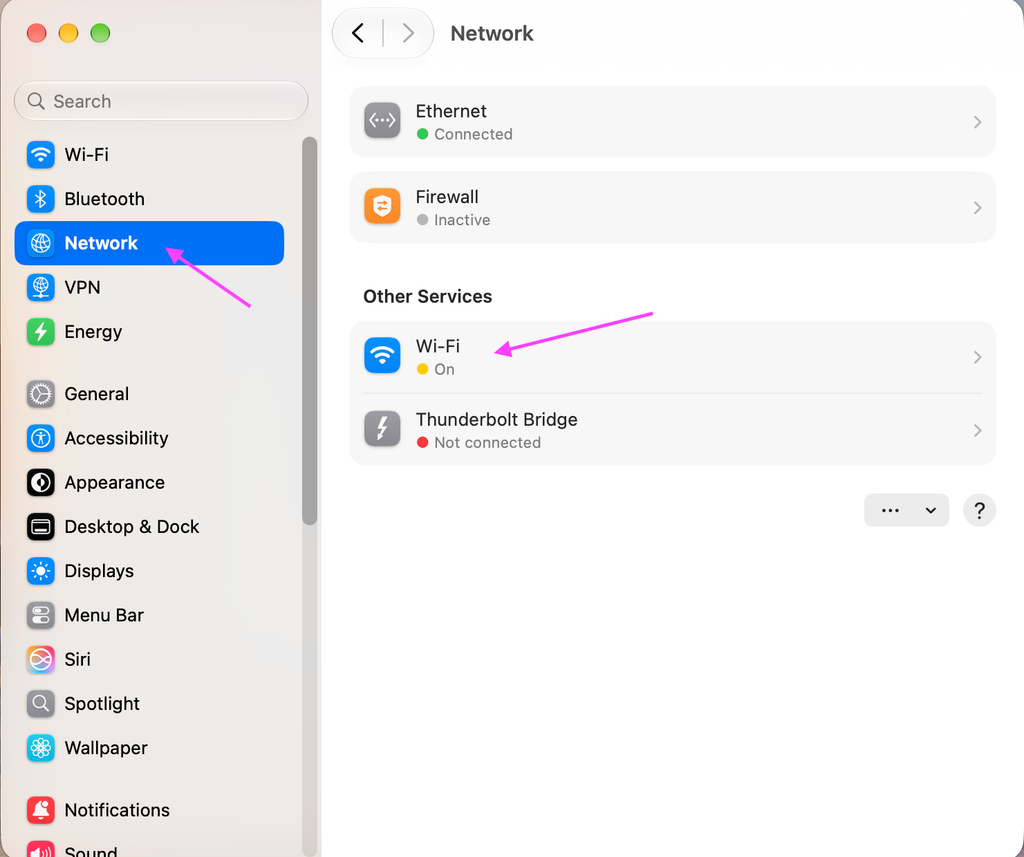
If the WiFi status is anything other than grey, we need to turn it off. Click Wi-Fi and then click the Wi-Fi slider to turn it off.
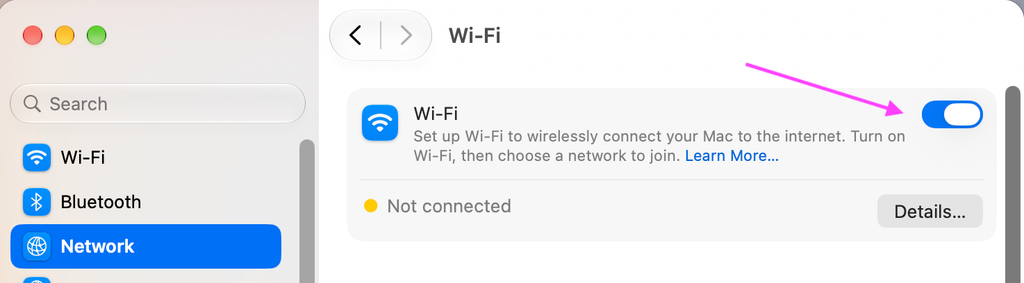
Your network preference pane should look like the screenshot below.
If you continue to have issues, please submit a WHD ticket or dial 5050 for further guidance.